
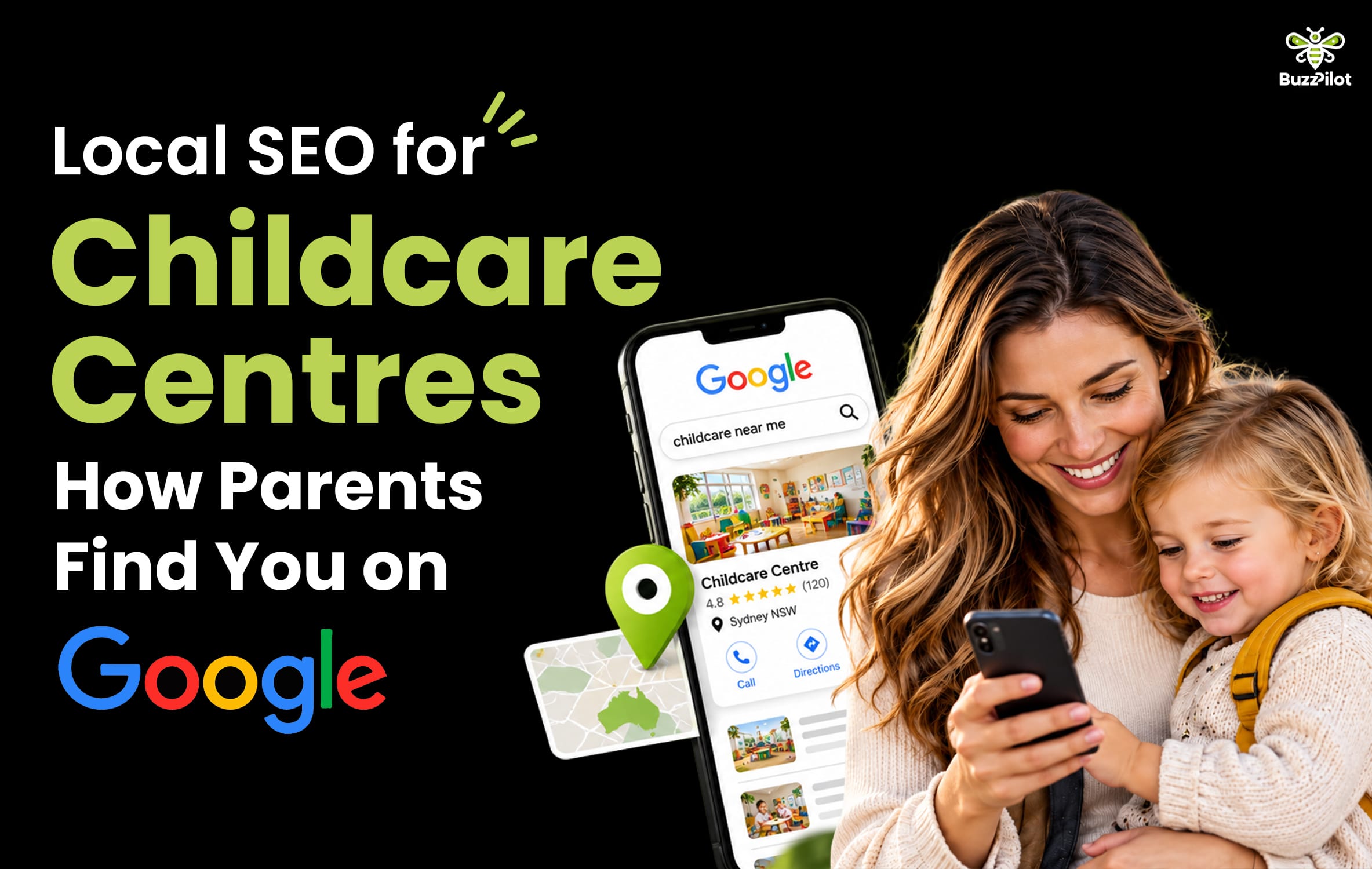
Parents find childcare centres on Google in two places. The map results at the top of a search, and the centre’s own website. Local SEO for childcare centre owners is the work of showing up in both, for the suburbs your families actually drive from.
You’ve probably seen it happen. A centre down the road appears above you in Google Maps, even though you’ve been open longer and your families love you. That’s rarely about quality of care. It’s usually about a profile that was set up once and left alone.
This guide shows how parents search, how Google picks which centres to show, and the specific fixes that move you up. It’s written by a childcare marketing agency that works on centre profiles and websites every week.
How Parents Actually Find Childcare Centres on Google
Most searches start on a phone. Parents type something like “childcare near me”, “daycare [suburb]”, “early learning centre [suburb]” or “before school care [school name]”. Some just ask their phone out loud.
Google answers with a map and a short list of centres underneath it. This block is called the local pack, or map pack. Regular website results sit below it.
Few parents scroll far. They scan the map pack, tap one or two profiles, and check four things: photos, reviews, hours and distance from home or work. Then they call, tap for directions or click through to the website.
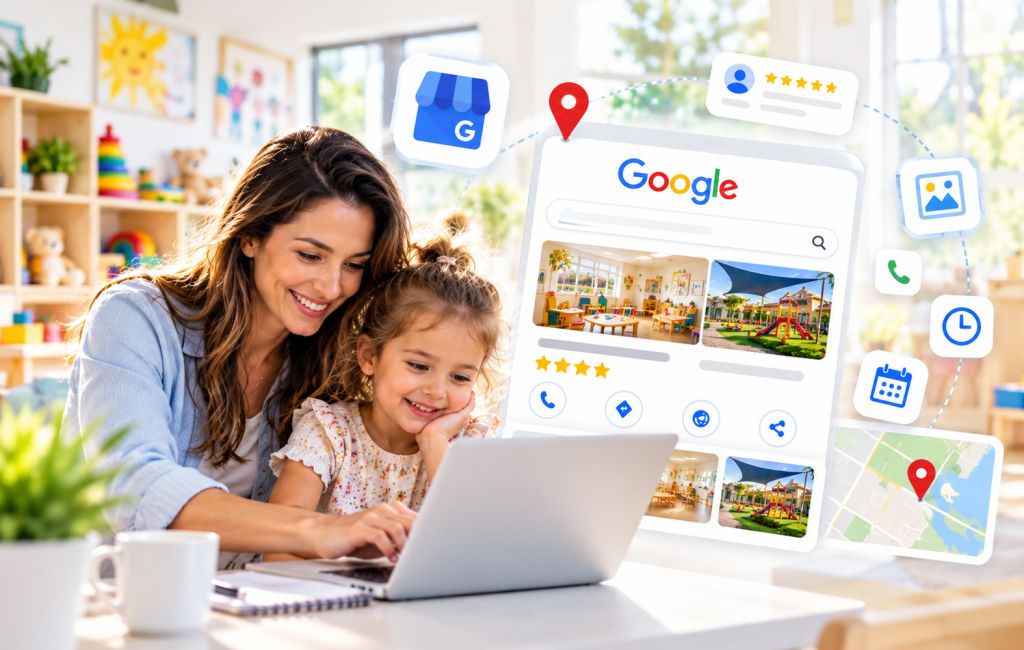
Your Google Business Profile is often a parent’s first impression of your centre. It’s frequently seen before your website, and sometimes instead of it.
How Google Decides Which Centres Appear in Maps
Google states that local results are based on three factors: relevance, distance and prominence. Only two of them are in your control.
Relevance
Relevance is how well your profile matches the search. A parent searching “kindy near me” needs to see that you run a kindergarten program. Your categories, description and website content all tell Google what you offer.
Distance
Distance is how far your centre is from the searcher, or from the suburb they named. You can’t move your centre. What you can do is make sure Google knows exactly where it is and which suburbs your families come from.
Prominence
Prominence is how well known and trusted your centre appears. Reviews, mentions on other sites and the strength of your website all feed it. A centre with recent reviews and an active profile usually outranks a neglected one nearby.
Distance explains why you’ll never show in every suburb. Relevance and prominence explain why a competitor further away can still outrank you.
Your Google Business Profile: The Fixes That Matter Most
Most centre profiles we audit have the same gaps. Work through these in order.
Use your real business name
Enter your centre’s name exactly as it appears on your signage. Don’t add suburbs or keywords, such as “[Centre Name] Childcare [Suburb] Best Daycare”. Google’s guidelines don’t allow it, and it can get your profile suspended.
Choose the right categories
Your primary category carries the most weight. Pick the closest match to your main service, such as a day care or child care category. Add secondary categories for kindergarten, preschool or before and after school care where they genuinely apply. Google’s category list changes, so check the current options inside your profile.
Get address, hours and contact details exactly right
Your address, phone number and website should match your own site and every other listing. Set opening hours accurately, including public holiday closures. Wrong hours mean frustrated parents and wasted calls.
Write a description that answers parents’ questions
Use the description to cover the ages you take, the programs you run, your hours and the suburbs your families come from. Write it for parents, not for Google. Mention your National Quality Standard (NQS) rating only if it’s current and stated accurately.
Add real photos, often
Upload photos of your rooms, outdoor areas, kitchen, entrance and educators. Fresh, genuine photos give parents a reason to tap through instead of moving to the next centre.
Get written parental consent before publishing any photo where a child can be identified. Check your service’s own photo policy too. Many centres keep profile photos to empty rooms, play spaces and educators, which avoids the issue entirely.
Link to your tour booking page
Point your profile’s website link to a page where parents can book a tour, not just your homepage. Add tracking parameters to that link. You’ll then see in Google Analytics how many visits and enquiries came from your profile.
Post updates when something changes
Use Google Business Profile posts to share vacancies, open days, new programs and events. Posts give parents current information. They also show Google the profile is actively managed.
Reviews: What Parents and Google Both Read
Reviews do two jobs. They’re one of the strongest prominence signals, and they’re often what moves a parent from browsing to booking a tour.
Ask at the right moments
Ask when families are happiest. That might be after their child settles in, after a kindy graduation, or when a parent thanks an educator in person. Send a direct link to your review form by email or SMS so it takes one tap.
Ask every family, not just the happy ones
Google’s policies don’t allow you to only ask families you expect to leave positive reviews. You also can’t offer discounts, gifts or fee credits in exchange for reviews. Ask consistently, then let the reviews reflect the real experience.
Respond to every review
Thank each family with a specific, warm reply. For negative reviews, stay calm and offer to discuss it directly. Never confirm in a public reply whether the reviewer’s child attends, or share any detail about a child or family. Privacy matters more than winning the argument.
Real reviews also tell other parents what you’re like in plain words. Moombaki Early Learning described the change after their online presence was built:
“We had zero online presence. Now families in our area can actually find us.”
Moombaki Early Learning, Google Review
Local SEO for Childcare Centre Websites
Your website feeds both relevance and prominence. Google reads it to confirm what you offer and where. Parents read it to decide whether to book a tour.
A site that supports local rankings usually has:
- One clear page per centre. Address, map, hours, phone, ages and programs, all in one place.
- Room pages. Nursery, toddler and kindy rooms with ages, routines and the educators who run them.
- Natural suburb mentions. The suburbs your families come from, mentioned in context, not dumped as a keyword list.
- Matching details. The same name, address and phone number as your Google Business Profile.
- Fast mobile pages. Most parents arrive on a phone, so the tour form has to work there first.
- Clear fees information. Explain in general terms that families may be eligible for Child Care Subsidy, and point them to Services Australia for official details. Never promise a specific out-of-pocket cost.
Our childcare website design work is built around these pages. To see how they look in practice, browse these childcare website examples.
Ranking beyond your immediate area, and building content that keeps bringing enquiries, is the wider job of childcare SEO.
Listings Beyond Google
Parents check other sites, and Google uses mentions across the web to confirm your details. Consistency matters more than volume.
Starting Blocks, run by the Australian Children’s Education & Care Quality Authority (ACECQA), lets families look up approved services and their quality ratings. Check how your centre appears there. If anything is out of date, correct it through the proper channels.
Beyond that, keep your details identical on childcare comparison and listing sites, Apple Maps, Bing and local council or community directories. A different phone number or old address on one listing creates doubt for parents and for Google.
Local SEO for Childcare Centre Groups
Running more than one centre adds a few rules.
Each centre needs its own Google Business Profile, with its own address, phone number, hours and photos. Don’t merge locations into one profile. Never list a head office as if it were a centre.
Give each centre its own page on your website with unique content. Cover its rooms, educators, outdoor spaces and the suburbs around it. Copying one page and swapping the suburb name gives Google little reason to rank any of them.
Grow and Learn Early Education runs three centres in Perth. Read the Grow and Learn Early Education case study to see how we approached a website for a multi-centre group.
How Long Local SEO Takes
Profile fixes like categories, hours and photos can show changes within weeks. Reviews and website improvements typically build over months. In suburbs with several centres close together, expect it to take longer.
Local SEO also doesn’t stop. Profiles that go quiet slowly lose ground to centres that keep posting, collecting reviews and adding photos.
Need tours sooner? Paid search can bring enquiries within days while local rankings build. See Google Ads for childcare centres, and our guide to childcare marketing in Perth for how to judge every paid channel on cost per enrolment.
What to Track Each Month
Your Google Business Profile shows performance data for free. Check it monthly alongside your own enrolment records.
- Calls from your profile: The most direct sign that parents are choosing you from Maps.
- Direction requests: Shows families planning a visit or tour.
- Website clicks: Shows how many parents want more detail before calling.
- Search terms: Shows which searches your profile appears for, and which suburbs or services are missing.
- New reviews: Shows whether your review requests are working.
- Tour bookings by source: Ask every family how they found you and record it.
- Enrolments by source: The number that tells you local SEO is paying off.
Local search is one channel in a bigger plan. For the full picture, read our guide on how to market a childcare centre.
FAQ
Local SEO is the work of making your centre appear when parents search for childcare in your area on Google. It covers your Google Business Profile, reviews, consistent listings across the web, and a website that clearly shows your location, programs and suburbs served. The goal is showing up in the Maps results parents check first, then turning those views into tour bookings.
Claim and verify your Google Business Profile, then complete it fully. Use your real business name, the right categories, accurate hours and genuine photos. Link to a tour booking page, post updates regularly, and collect reviews from families consistently. Make sure your website and other listings show the same name, address and phone number. Rankings also depend on distance, which you can’t change.
There’s no fixed number. Look at the centres appearing above you in Maps and compare their review count and how recent their reviews are. Steady, recent reviews matter more than a burst of reviews collected once. Ask every family at natural moments, never offer incentives, and respond to every review you receive.
Only with written consent from a parent or guardian for each identifiable child, and only if your service’s photo policy allows it. Many centres avoid the issue by using photos of empty rooms, outdoor play areas and educators. Parents can also upload photos to your profile, so check it regularly. Confirm current requirements with your regulatory authority.
Profile fixes such as categories, hours and photos can show results within weeks. Reviews and website improvements typically take months to build. Competitive suburbs with several centres nearby take longer. Local SEO is ongoing, because profiles that stop being updated tend to slip below centres that stay active. Paid ads can bring enquiries sooner while rankings build.
Yes, the basics are manageable. Completing your profile, adding photos, posting updates and asking for reviews takes a few hours a month. Website changes, location pages, listing clean-up and tracking enquiries through to enrolments take more time and skill. Many centre owners handle the profile themselves and get help with the website and reporting.
Get Your Centre Found by Local Families
BuzzPilot is based in Perth and works with centres across Australia remotely. We handle local SEO for childcare centre owners from profile clean-up through to websites built to book tours.
If you're local, see how we approach childcare marketing in Perth For the full service, see our childcare SEO services case study.
Call 0470 249 058 or Book a Free Audit.